 MapConductor
Switching providers
Exactly three things differ per provider: the dependency, the map view type and the state object type. Markers, shapes, camera work and events are written the same way regardless. You can even keep several providers in one screen and switch between them at runtime.
01 · What changes, what does not
- The dependency (for-maplibre → for-googlemaps)
- The map view type (MapLibreMapView → GoogleMapView)
- The state object type and its factory
- The design constant handed to mapDesignType
- How the API key is obtained and the SDK initialised
- GeoPoint · GeoRectBounds · MapCameraPosition
- MarkerState · PolylineState · PolygonState · CircleState …
- moveCameraTo() · fitBounds() · event handlers
- Geodesy (distance, heading, area)
- Extension layers (clustering, heatmap, GeoJSON)
The state types are per provider, but they all implement one shared interface — MapViewStateInterface on Android and React, MapViewStateProtocol on iOS. Camera work and design switching can be written against that interface.
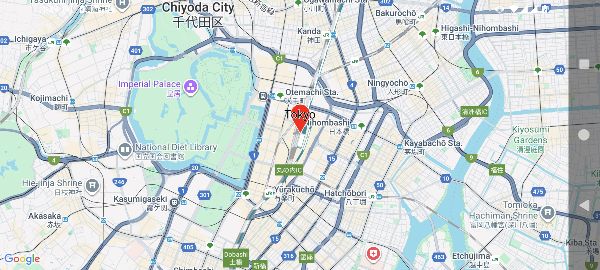
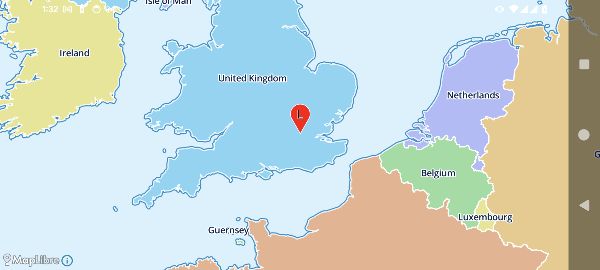
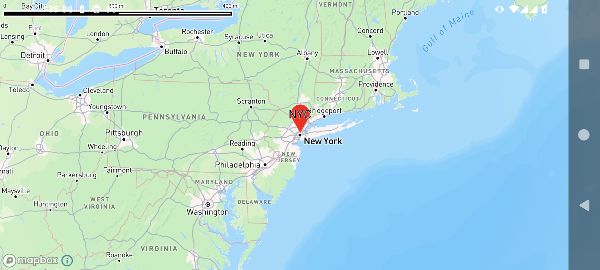
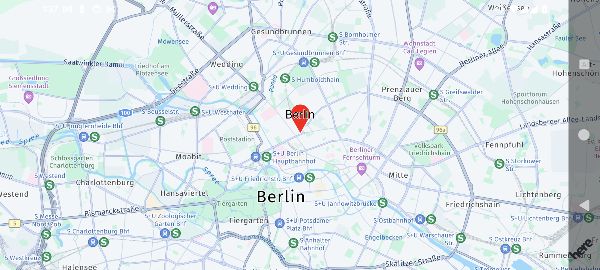
02 · Types per provider
What each provider package actually exports. For historical reasons the names are not perfectly symmetric, so this table lists the exported symbols verbatim.
rememberGoogleMapViewState
GoogleMapViewState
GoogleMapViewState
useGoogleMapViewState
rememberMapLibreMapViewState
MapLibreViewState
MapLibreViewState
useMapLibreViewState
rememberMapboxMapViewState
MapboxViewState
MapboxViewState
useMapboxViewState
rememberHereMapViewState
HereViewState
HereMapViewState
useHereViewState
rememberArcGISMapViewState
ArcGISMapViewState
ArcGISMapViewState
useArcGISViewState
rememberMapTilerMapViewState
MapTilerViewState
MapTilerViewState
useMapTilerViewState
rememberTomTomMapViewState
TomTomMapViewState
TomTomMapViewState
useTomTomViewState
rememberLongdoMapViewState
LongdoViewState
LongdoViewState
useLongdoViewState
MapKitViewState
useMapKitViewState
useLeafletMapViewState
useOpenLayersMapViewState
useAzureMapsViewState
useCesiumMapViewState
“/ 2D” means the package exposes both a 3D and a 2D view. They share one state object; in 2D, tilt is always 0.
03 · Writing the switch
To switch at runtime, hold one state object per provider and branch only on which view to render. The overlay declarations stay outside the branch. This is exactly the shape the sample apps use.
@Composable
fun MapViewContainer(
    modifier: Modifier = Modifier,
    state: MapViewStateInterface<*>? = null,
    content: (@Composable MapViewScope.() -> Unit)? = null,
) {
    when (state) {
        is GoogleMapViewState -> GoogleMapView(modifier, state, content = content)
        is MapLibreViewState -> MapLibreMapView(modifier, state, content = content)
        is MapboxViewState -> MapboxMapView(modifier, state, content = content)
        is HereViewState -> HereMapView(modifier, state, content = content)
        else -> { /* not selected */ }
    }
}

// The caller writes only the overlays
MapViewContainer(state = selectedState) {
    Markers(markerStates)
}@StateObject private var googleState = GoogleMapViewState(cameraPosition: initial)
@StateObject private var mapLibreState = MapLibreViewState(cameraPosition: initial)
// Through the shared interface, camera work needs no branching
private var activeState: any MapViewStateProtocol {
provider == .googleMaps ? googleState : mapLibreState
}
@ViewBuilder
private var mapView: some View {
switch provider {
case .googleMaps:
GoogleMapView(state: googleState, sdkInitialize: {
GMSServices.provideAPIKey(apiKey)
}) { Marker(state: markerState) }
case .mapLibre:
MapLibreMapView(state: mapLibreState) { Marker(state: markerState) }
}
}// Call the hooks in a fixed way per component and swap only the view
const maplibre = useMapLibreViewState({ id: 'maplibre', cameraPosition: INIT });
const google = useGoogleMapViewState({ id: 'google', cameraPosition: INIT });
switch (provider) {
case 'maplibre':
return <MapLibreMapView2D state={maplibre}>{children}</MapLibreMapView2D>;
case 'google-maps':
return <GoogleMapView2D state={google}>{children}</GoogleMapView2D>;
}React does not allow the hook call order to change, so the safe shape is one small component per provider that calls its own hook. The sample app providers/ directory is laid out that way.
// One state per provider
val maplibre = rememberMapLibreMapViewState(
    mapDesign = MapLibreDesign.OsmBrightJa,
    cameraPosition = MapCameraPosition(
        position = GeoPoint.fromLatLong(35.6812, 139.7671),
        zoom = 12.0,
    ),
)
val googlemaps = rememberGoogleMapViewState(
    cameraPosition = MapCameraPosition(
        position = GeoPoint.fromLatLong(35.6812, 139.7671),
        zoom = 12.0,
    ),
)
var useMapLibre by remember { mutableStateOf(true) }

// The overlays are declared outside the branch, so swapping does not touch them
val overlays: @Composable MapViewScope.() -> Unit = {
    Marker(markerState)
    Polyline(routeState)
}

// Hand the camera you were just looking at to the side you are switching to
LaunchedEffect(useMapLibre) {
    if (useMapLibre) {
        maplibre.moveCameraTo(googlemaps.cameraPosition)
    } else {
        googlemaps.moveCameraTo(maplibre.cameraPosition)
    }
}

if (useMapLibre) {
    MapLibreMapView(state = maplibre, content = overlays)
} else {
    GoogleMapView(state = googlemaps, content = overlays)
}04 · Handling provider differences
Not every map SDK can do everything. MapConductor closes the gap where it can, and substitutes where it cannot.
Where the native SDK lacks a feature, the SDK draws it as raster tiles instead — polygon holes and very large marker sets take this path. Your call sites do not change.
An element a provider cannot handle simply has no renderer in that driver. Whether it is available is visible at compile time, or from the state object type.
If you genuinely need something provider-specific, pull the native map instance out of MapViewHolder and call it directly.
Keys and initialisation stay per provider
MapConductor never holds your API key. Each map SDK is fed the way it expects — the Android manifest, the iOS sdkInitialize closure, a config object on the web. MapLibre, Leaflet and OpenLayers need no key at all; there you only choose where the tiles come from.